

TV Remote
Breeze
LiveTurn your phone into a remote for every Samsung Smart TV in the house. No account, no sign-in — Breeze finds your TVs on your own Wi-Fi network and talks to them directly.
Works with Samsung Smart TVs (2016 or later), with LG support on the way. Read the privacy policy.
Why Breeze
A remote that keeps up with a multi-TV house
Finds your TVs automatically
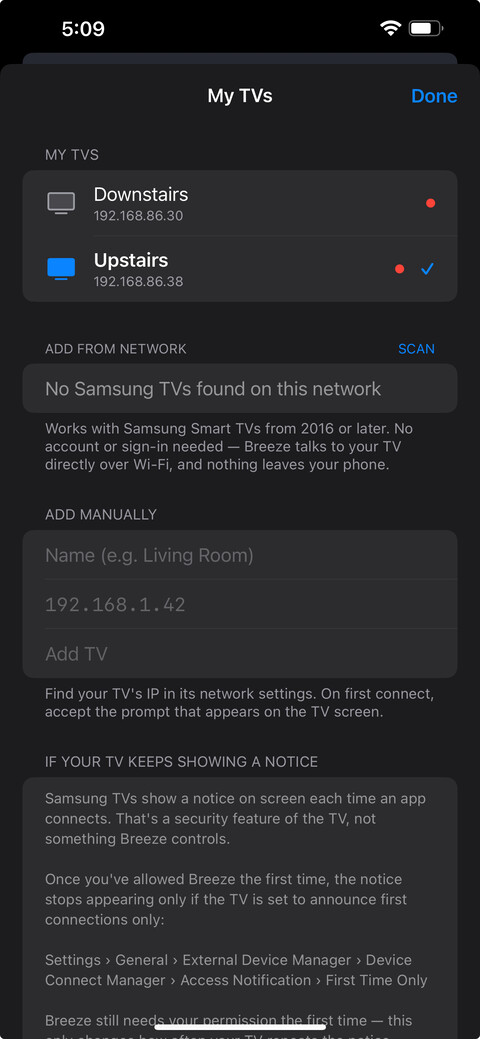
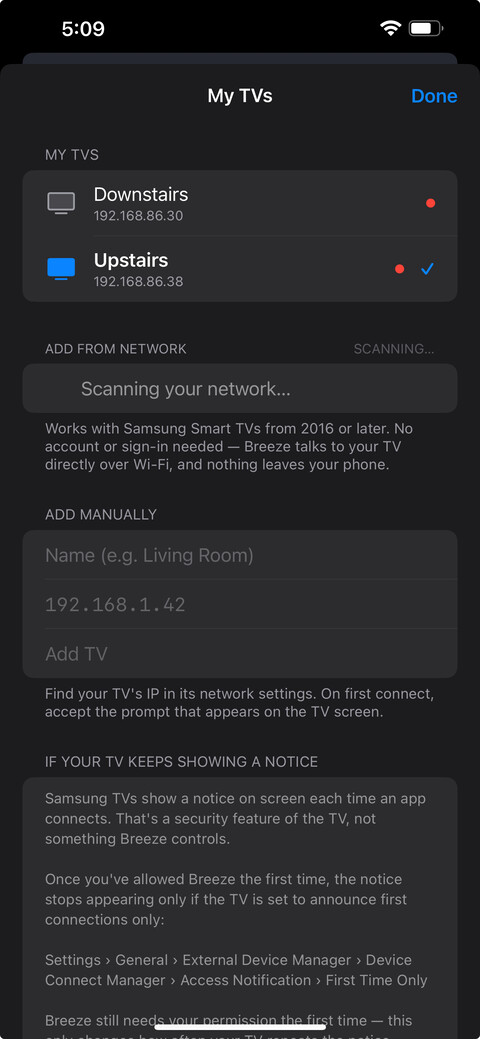
Breeze scans your Wi-Fi network and lists every supported TV it finds — no IP addresses to hunt down.
One remote, every room
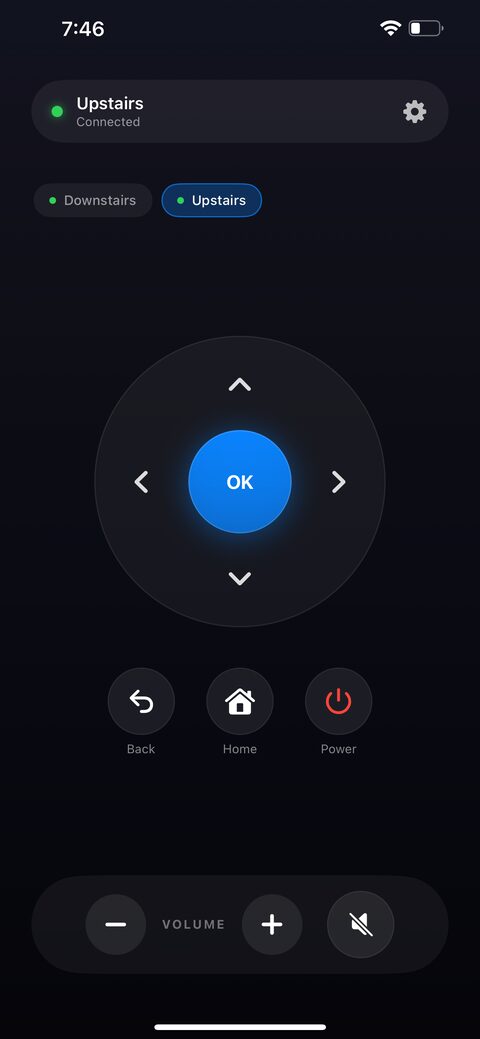
Save each TV by name — Living Room, Upstairs, wherever — and switch between them in a tap.
Nothing leaves your phone
Breeze talks to your TV directly over your own network. No account, no cloud, no data collected.
A Look Inside
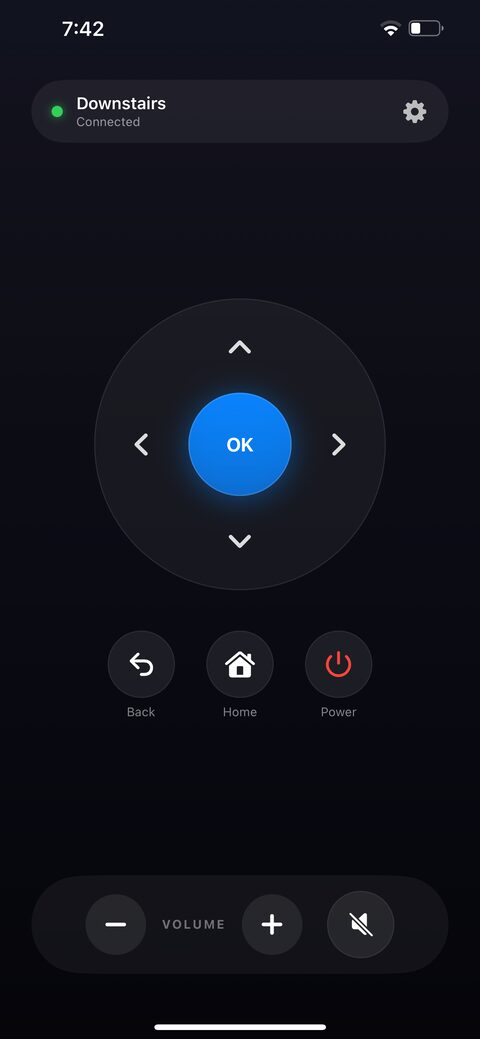
Simple enough to hand to anyone in the house
Support
Answers to the most common questions. If yours isn't here, email contact@dollardigital.us and we'll get back to you within a few business days.
Breeze can't find my TV
Make sure your phone and your TV are on the same Wi-Fi network — Breeze only looks for TVs on your local network, not the internet. If it still doesn't show up, use "Add Manually" and enter the TV's IP address, which you can find in its network settings. On the first connection, accept the prompt that appears on the TV screen to authorize Breeze.
My Samsung TV keeps showing a connection notice
Samsung TVs show a notice on screen each time an app connects — that's a security feature of the TV, not something Breeze controls. Once you've allowed Breeze the first time, the notice stops appearing if the TV is set to announce first connections only:
Settings > General > External Device Manager > Device Connect Manager > Access Notification > First Time Only
Does Breeze support LG TVs?
Not yet — LG support is on the way in a later release. For now, Breeze works with Samsung Smart TVs (2016 or later).
Does Breeze collect any of my data?
No. Breeze has no account and no server component — it talks directly to your TV over your own Wi-Fi network. See the privacy policy for details.