
Chrome Extension
EagleCloud
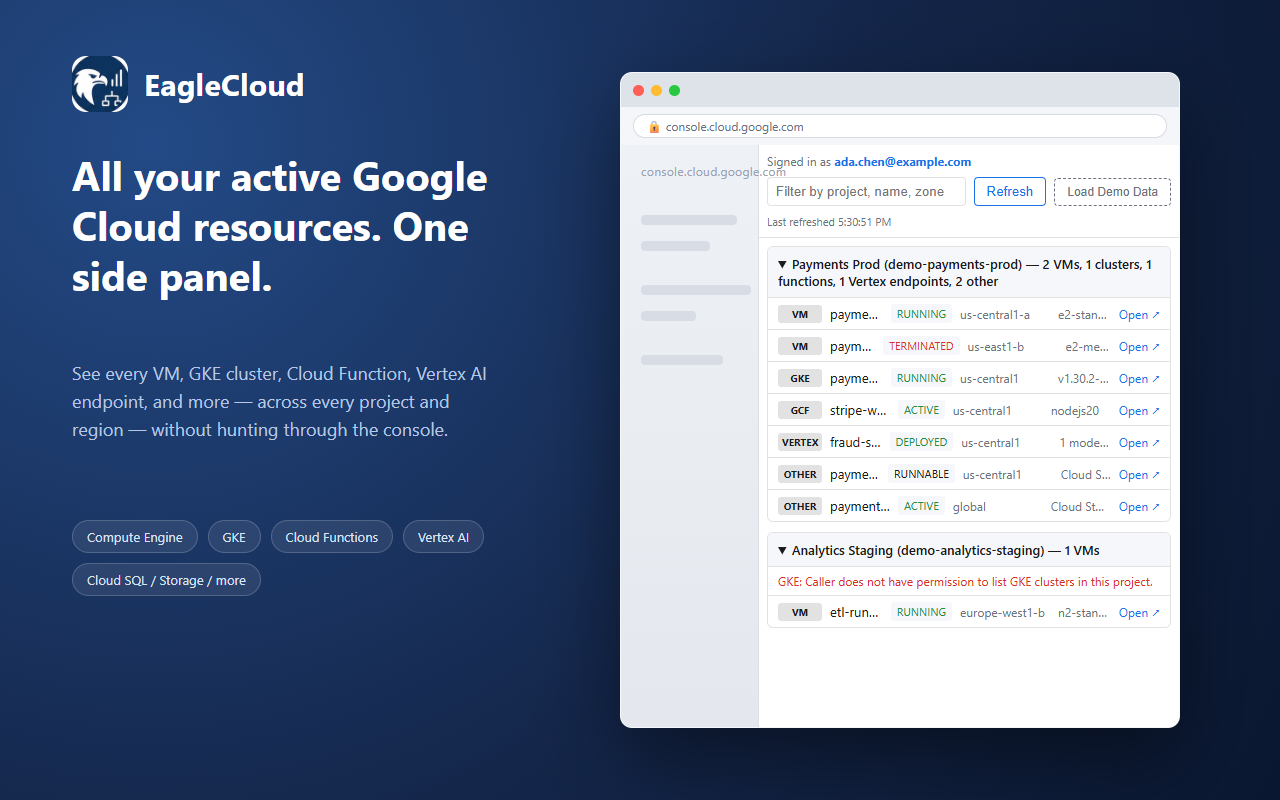
LiveOne unified, real-time view of your active Google Cloud resources across every project and region — no more clicking through a project picker, then a region selector, one resource type at a time.
Sign-in uses whichever Google account is signed into your Chrome profile — being logged into Gmail in a tab isn't the same thing, so make sure your Chrome profile itself is signed into the right account. Read the privacy policy.
Why EagleCloud
Everything running, in one side panel
Every project, one view
Compute Engine, GKE, Cloud Functions, Vertex AI, Cloud SQL, Cloud Run, Cloud Storage, and more — across every project and region you have access to.
Sign in once
Google sign-in only — resource metadata is read straight from Google's own APIs to your browser.
Read-only, always
EagleCloud never modifies, creates, or deletes a resource. It only shows you what's already there.
A Look Inside
Skip the project/region click-through