
Printer Troubleshooting
Printer Pal
In progressFind out why printing isn't working — and not just from your phone. Printer Pal helps you check every other device in the house too, without installing anything on them.
Coming to the App Store. Works with AirPrint and IPP printers on your Wi-Fi network. Read the privacy policy.
Why Printer Pal
The printer never tells you what's actually wrong
Finds your printer by name
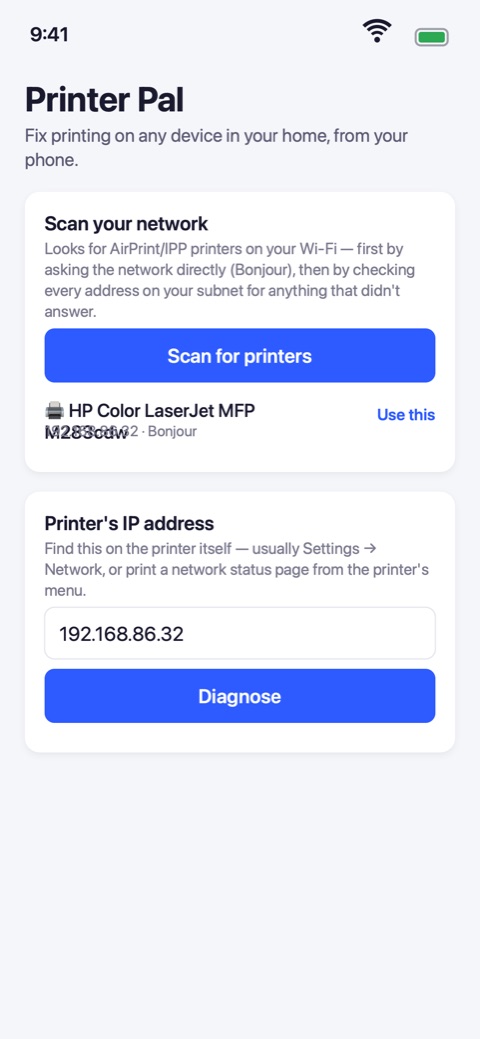
Ask the network directly, then check every address on it. You get "HP Color LaserJet MFP M283cdw", not an IP address you have to go hunting for.
Answers in plain English
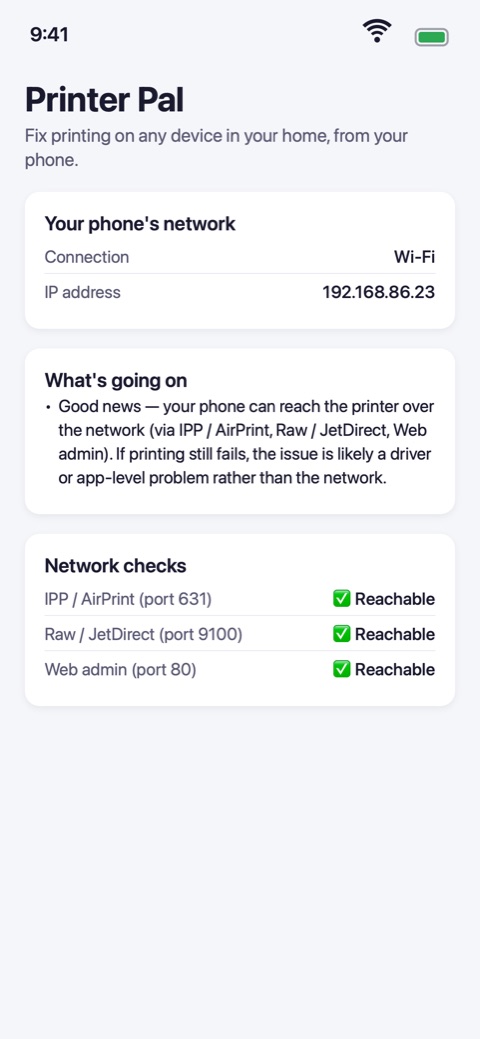
Not a wall of green ticks. Printer Pal tells you whether it's the printer, the network, or the wrong address entirely — and what to do next.
Checks the other devices too
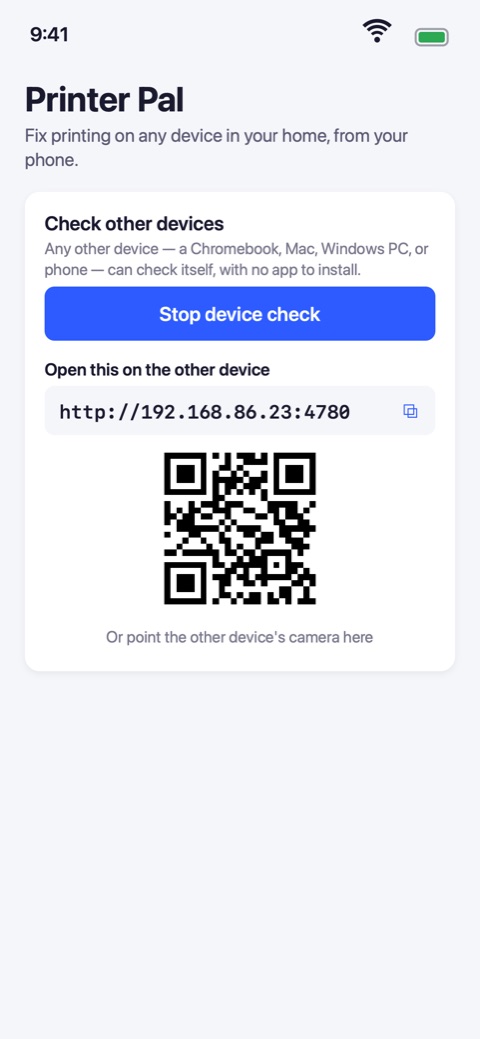
A phone can only test its own path to the printer. Printer Pal lets a Chromebook, Mac or PC check itself by opening a single link — nothing to install.
Proves it on paper
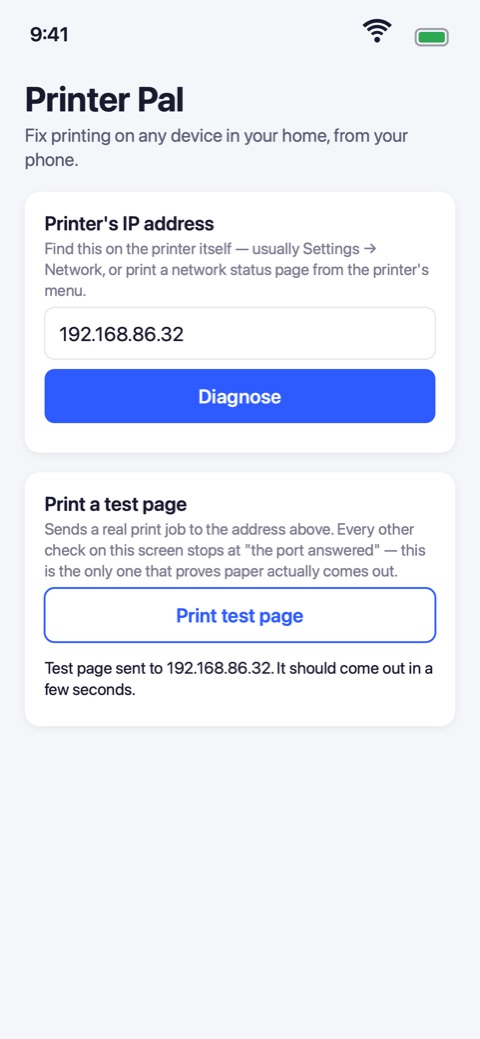
Send a real test page from the app. Every other check stops at "the port answered" — this is the one that shows the whole path working.
Catches what a ping can't
Router client isolation, guest networks, a school or work laptop blocked by policy — the reasons printing fails that look like nothing at all.
Nothing leaves your network
No account, no analytics, no tracking. Printer Pal talks only to your own printer, on your own Wi-Fi, and stores nothing at all.
A Look Inside
A straight answer, in the time it takes to walk to the printer